

Provider Portal for Global Payroll Teams
A centralised dashboard for operations teams to manage live payroll progress and outstanding tasks across all clients whilst protecting confidential data.
Built for payroll providers managing multiple client tenancies, the Provider Portal gives every team a shared view of progress without exposing sensitive data.
Who the Provider Portal is for
Service Delivery Managers
The ability to track deadlines, identify risks and carry out any necessary escalations.
Operations Teams
Increased focus on tasks that are due, issues that arise and any received queries.
Country Teams
Comprehensive management and oversight of multi-client workloads.
Leadership
Anomalies, bottleneck and hotspots can be identified to improve delivery consistency.

Innovation for Payroll Providers
With multiple client tenancies, visibility can become fragmented. With the Provider Portal, you’ll get one cohesive view that monitors all clients whilst protecting sensitive information. This means fewer missed handoffs and deadlines, with centralised status updates visible across every client.
The Provider Portal displays workload peaks across teams, making it easy to spot recurring country-specific or service bottlenecks. You no longer need to jump between systems to confirm status, with a provider-level view presenting clear, digestible information that helps you strengthen visibility at scale.
What the Provider Portal does
Here's what the Provider Portal does in three simple steps:

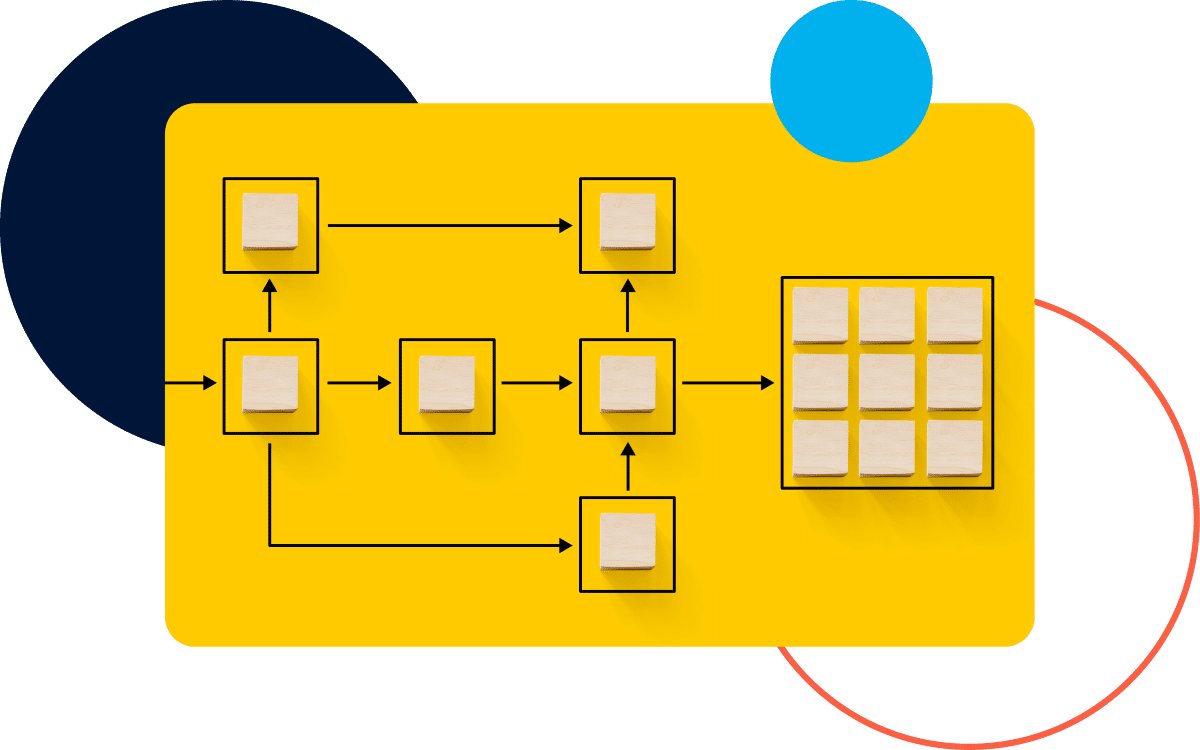
Aggregate live status. Tasks, issues and queries are surfaced across all client tenancies for quick, priority viewing.

Surface priorities. One dashboard presents upcoming deadlines, risks, ownership and filters for the data that you want to see.

Take action. You’ll be able to focus teams on priorities using single sign-on into each client tenancy.

Industry Leading Capabilities
The Provider Portal in Action
There are specific use cases that can demonstrate how the Provider Portal helps global payroll providers.
Morning delivery reviews become simpler, with easy identification of overdue tasks and issues that are backlogging across multiple clients. From one perspective, you see what needs to be immediately actioned.
You’re able to rebalance resources before deadlines hit. This helps with peak payroll week planning, smoothing out processes before global demand from your portfolio increases.
Country performance reviews are more specific, providing more effective insights to identify recurring issues and delays. With presentable data, resolutions can be identified to improve local teams that are underperforming in certain metrics.
When a delivery issue appears, the Provider Portal offers improved escalation management for quicker resolutions. You can immediately use single sign-on into the right tenancy for immediate access.
To learn about other operational benefits that the Provider Portal offers, chat to our team today about how it applies to your organisation or book a demo to see how it works.
Provider Portal - FAQs
How does the Provider Portal protect client data?
The portal dashboard provides data that is summarised – there is no personally identifiable data in dashboard views, so each client is protected. If you want to uncover more detailed information for a client, you use single sign-on and secure access controls to access the tenancy you require.
What does the Provider Portal show?
The Provider Portal displays key activity for all client tenancies in one dashboard. You can view key metrics and delivery information such as task status, issues, queries and due dates.
Who uses the Provider Portal within a provider organisation?
Information displayed in the Provider Portal can be useful and applicable to a range of team members in a provider organisation. Visibility of deadlines, issues and workloads can provide value to service delivery managers, operations teams, team leaders and local payroll teams.
How does the Provider Portal connect to client tenancies?
It receives a live data feed from each client tenancy, which pulls in status information on all relevant data. When you need more specific data, you can enter the relevant client tenancy using a single sign-on.
Transform Your Workflow
If you’re ready to optimise your processes with the Provider Portal, talk to the team at IPPEX today to find out how we can help you with a bespoke integration into your existing operations.
If you have any questions or want to see how the Provider Portal works, book a demo to get a hands-on experience of how client payroll data can be centralised into one dashboard for an innovative approach to global management.